Pull the lever, and a whole story appears
Your child picks who it’s about and what happens, then pulls the lever. A whole story magically appears - written for their age, illustrated page by page, and saved to read again together. The only limit is your child’s imagination. What is typed in is never sent to us. There’s no ads, no sign-up, no tracking, and no data selling.

How it works
Pick a hero, choose what happens, pull the lever
Two machines stand on the lab’s desk: one that draws your characters, and one that turns them into a story. Everything else is done for you.
-
Build a character
Build your own character - you; friends; an animal; a banana; anything you like. Give them a name and a look, or roll the dice for ideas, and the robot gets to work at its easel, drawing pictures for you to choose from. Pick your favorite, or pull the lever for more. They can be used again and again in different stories.

-
Load the story machine
Put in a hero, and a friend if you like. Feed it your own idea, let the machine choose one, or choose a Where card and a What happens card - Pirate ship, Dinosaur land, A spell goes wrong. Grown-ups set the reading age, length and art style, remembered for next time.

-
Pull the lever!
Our AI robot writes the story and illustrates it, and out comes a whole illustrated story, ready to read together.
Three layers of protection ensure that everything in the story is suitable for children.

The three choices
Written for the child in front of you
Age changes the reading level and the sentence length, not just the word count - a story for a two-year-old is a different story from one for a ten-year-old, not just a shorter one.
Who it’s for
- Toddlers (2–3) One or two very short sentences per page.
- Preschool (3–5) Two or three short, simple sentences.
- Early readers (4–7) Three or four sentences, and longer words.
- Confident readers (6–9) A real plot, with a beginning, middle and end.
- Independent readers (8–11) Longer pages, engagement, something to get your teeth into.
How long
- Short A few pages, 4–6 pages
- Medium Room for a plot, 6–8 pages
- Long A proper adventure, 9–12 pages
How it looks
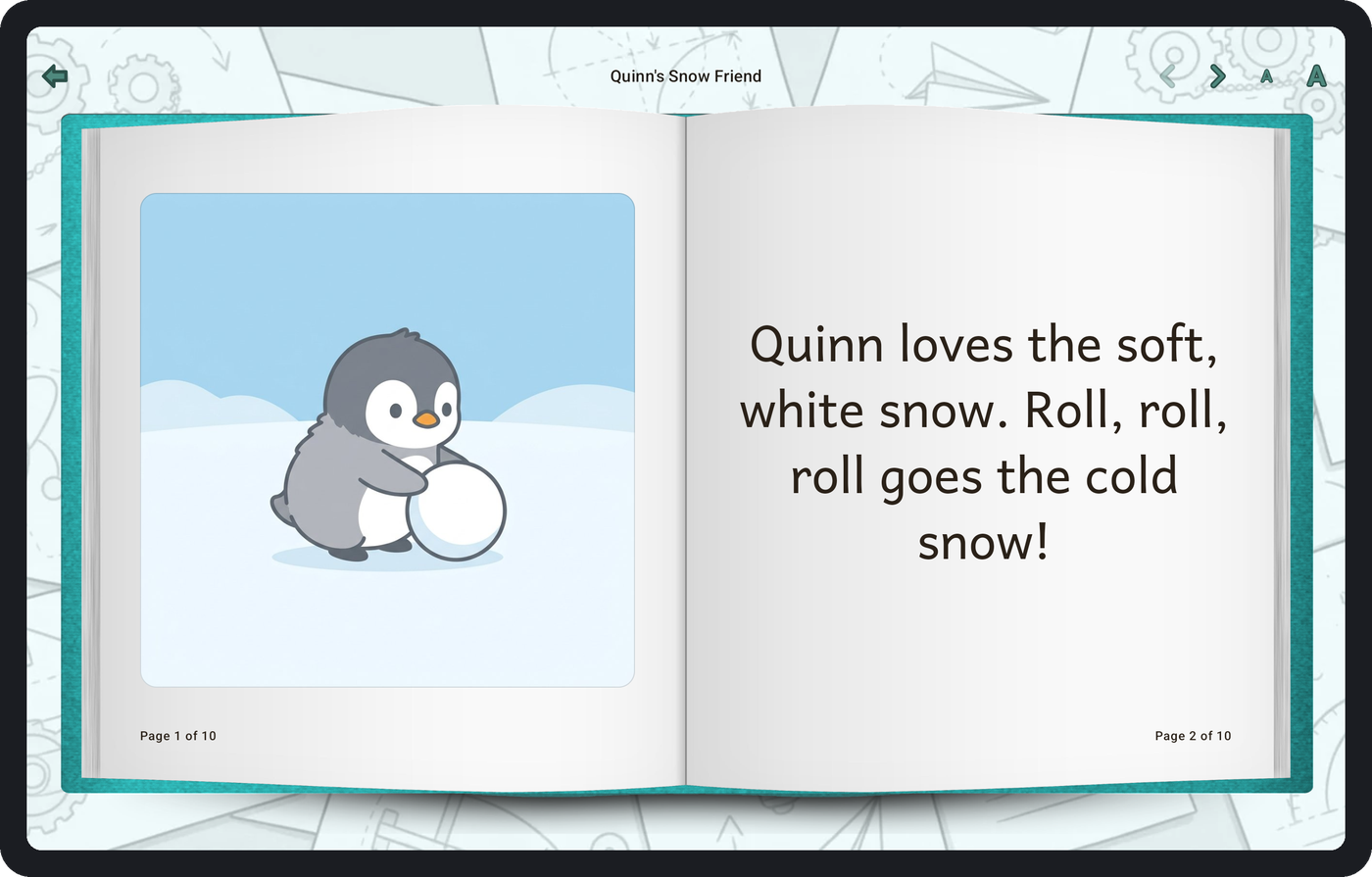
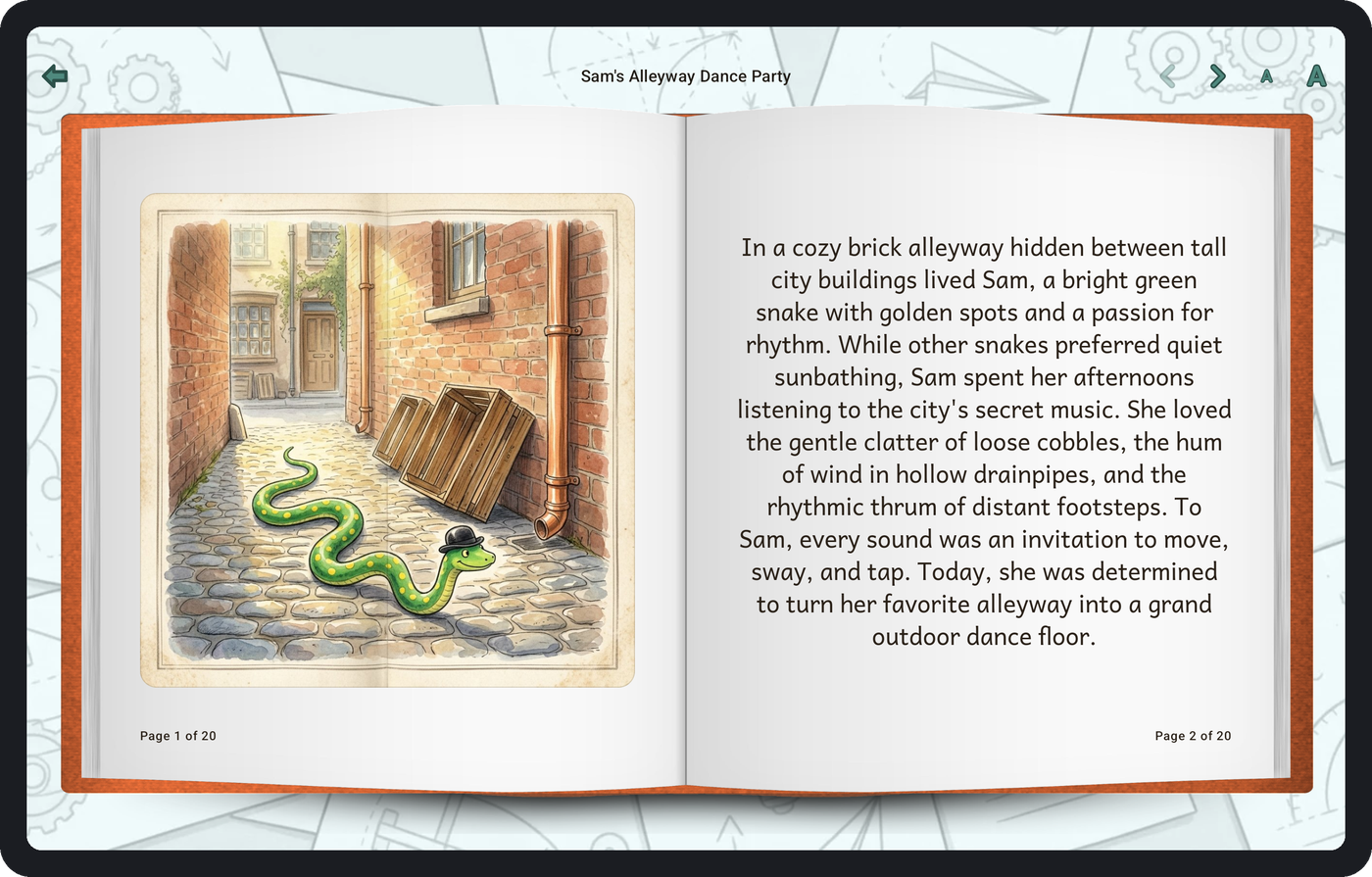
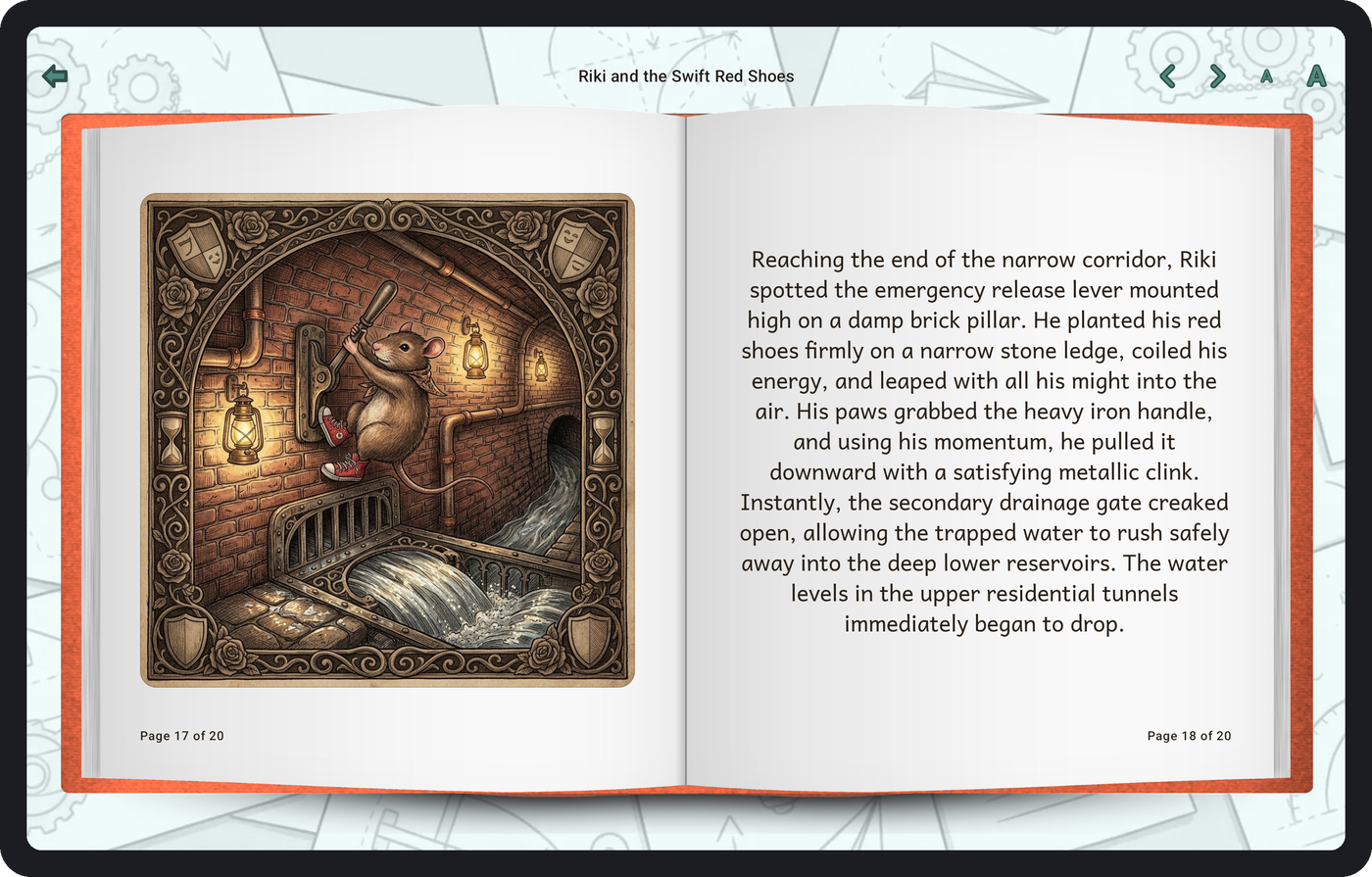
Choose one of four gorgeous art styles. Every page of a story is drawn in the same one, so it hangs together like a real book.

Modern Graphic 
Vintage 
Whimsical 
Magical
A look inside
A lab full of stories
Your stories stand in glass capsules on a conveyor belt. Tap one and its book glides out and opens, and its pages turn the way a real page does. Six example stories are waiting from the very first launch, and your own stories are added as you make them.
Designed for tablets
Built for the thing you actually read on
Held between two people on a sofa, a tablet is the right shape to read an illustrated story on. The app was designed for this, not squeezed down from another format - and it works on phones too.
Two pages at once
Landscape gives you a proper spread: the words on one side, the picture facing them.
Text that resizes
Pinch, or use the two buttons in the bar. It stacks on top of your device’s own text-size setting rather than overriding it, and the buttons work for anyone who can’t pinch.
Reads back offline
Making a story needs an internet connection. Reading one you already have does not - they are stored on the device, pictures and all.
Light or dark
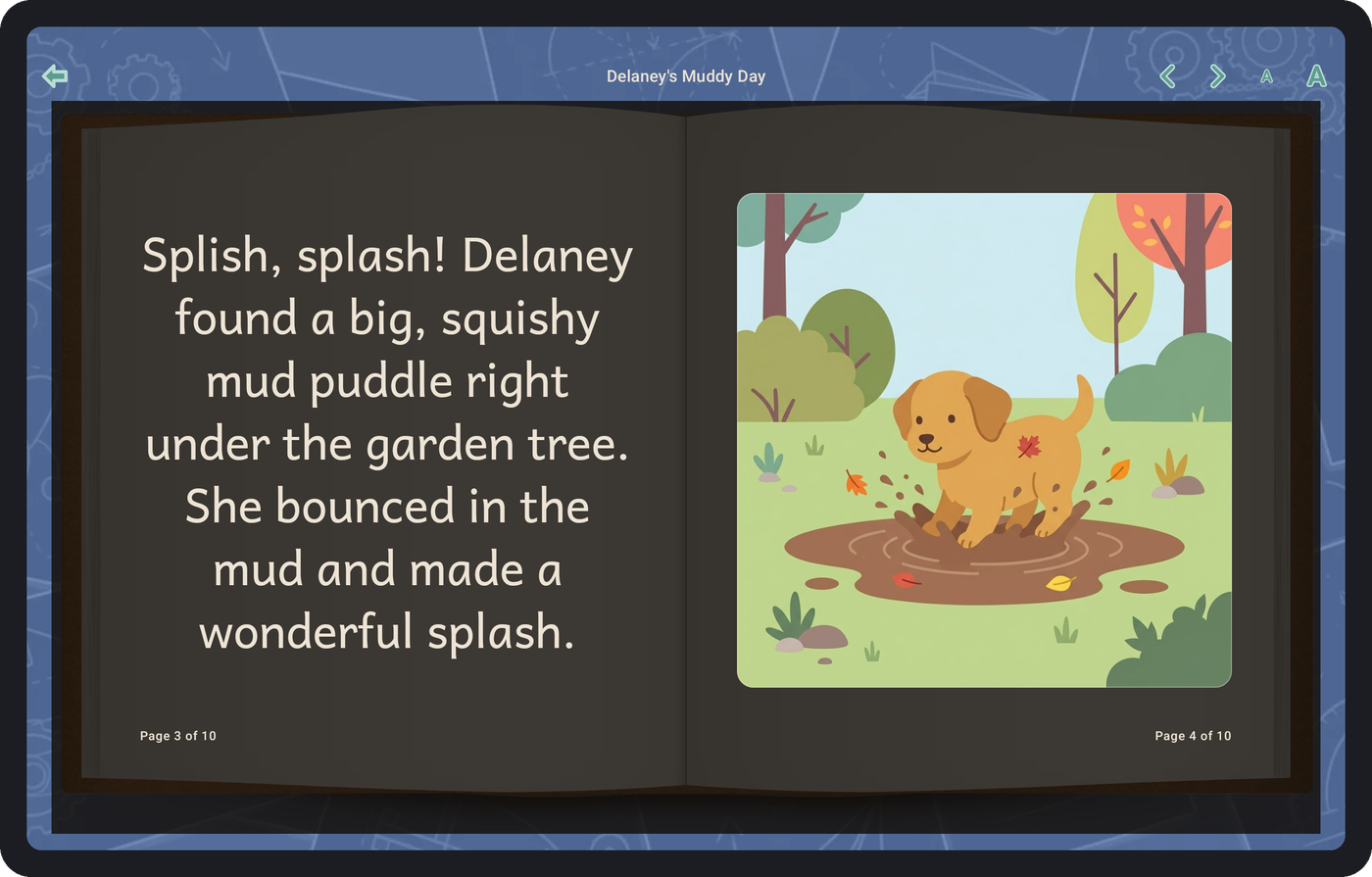
Follow your device, or choose. The dark pages keep the pictures at full brightness, and the dark theme works even on tablets that have no dark mode of their own.
English and German
Two languages, kept separate
The app’s own language and the language your stories are written in are two different settings. An English app can write German stories for a grandparent, and the other way round - so the person reading and the person being read to don’t have to want the same thing.


Where the stories come from
Written and drawn by a model
Every story and every picture is generated from what you type, by an AI model. Three things follow from that, and all three are worth knowing before you read one together.
Every one is different
The same idea will never give the same story twice, so one your child likes is worth keeping rather than expecting to get it back.
It can get things wrong
Anything in a story that sounds like a fact is invention rather than information, and is worth reading as one.
Safety first
Three layers of protection ensure that everything in the story is suitable for children. But nothing’s perfect, so this is an app for an adult to read alongside a child.
Read the terms of use - they cover the same three points in full.
Made for children
What your child says stays on your device
The things this app asks for are the ones you would least want sent anywhere: often a real child’s first name, whatever they typed about their characters, and whatever the story is. So it doesn’t send them.
- Your characters and ideas never leave, except to make the story What you type about your characters, and what the story is about, go to the model that writes and illustrates it - and nowhere else. They are never part of any analytics, any log, or any crash report.
- No advertising, no profiling, no third-party trackers No advertising identifier, no device identifier. There is one random installation number, made up on your device the first time you open it.
- You can switch data collection off One switch covers both the usage numbers and the crash reports, and turning it off deletes what was waiting to be sent.
- Nothing is sold, and nothing goes to advertisers or data brokers There are no ads in the app, and no advertising software in it either - so there is nothing there that could be fed.
- This website sets no cookies No cookie banner, because there are no cookies and nothing loaded from anyone else.
Read the privacy policy - it is specific about what is collected and what is not.
Illustrated stories made from your child's own ideas
Free today. Each story costs us money to make, so there’s a monthly limit on building new stories and characters. One day new stories may cost something - still no ads, still no data sold. Reading the stories you’ve built is always free and unlimited.